ActiveCampaign integration
ActiveCampaign HTML email templates, checked before they land
Build the email in code or on a canvas, run QA against ActiveCampaign’s rules, and push an ActiveCampaign template with its subject line for every language in one step.
Start Building FreeWhat lands in ActiveCampaign
Publish creates an ActiveCampaign template with its subject line for each language you select. You find it in Templates in ActiveCampaign. Names follow a pattern such as {Template}_{LOCALE}, so October_update becomes October_update_EN and October_update_DE. You can rename each one in the dialog.
Pushing again updates the template with the same name, including its subject. Connecting takes your ActiveCampaign API URL (https://youraccount.api-us1.com) and API key. Sending, lists and scheduling stay in ActiveCampaign.
Checked against ActiveCampaign before the push
Once ActiveCampaign is your active ESP, the email template checker reads every language with ActiveCampaign’s syntax in mind. A missing unsubscribe tag is a blocker, not a footnote.
- Unsubscribe tag
- Looks for %UNSUBSCRIBELINK% or %UNSUBSCRIBEURL%. Missing means a blocker. Present but hidden or tiny is flagged as high risk.
- Merge tags
- ActiveCampaign tags such as %FIRSTNAME% are left alone. A tag written for a different ESP is flagged, because ActiveCampaign would print it as text.
- Dead links
- Every link is requested. A 404, 410, server error or timeout is a blocker.
- Leftover tokens
- A {{locale.*}} or {{theme.*}} token that did not resolve is a blocker. It would reach ActiveCampaign as raw text.
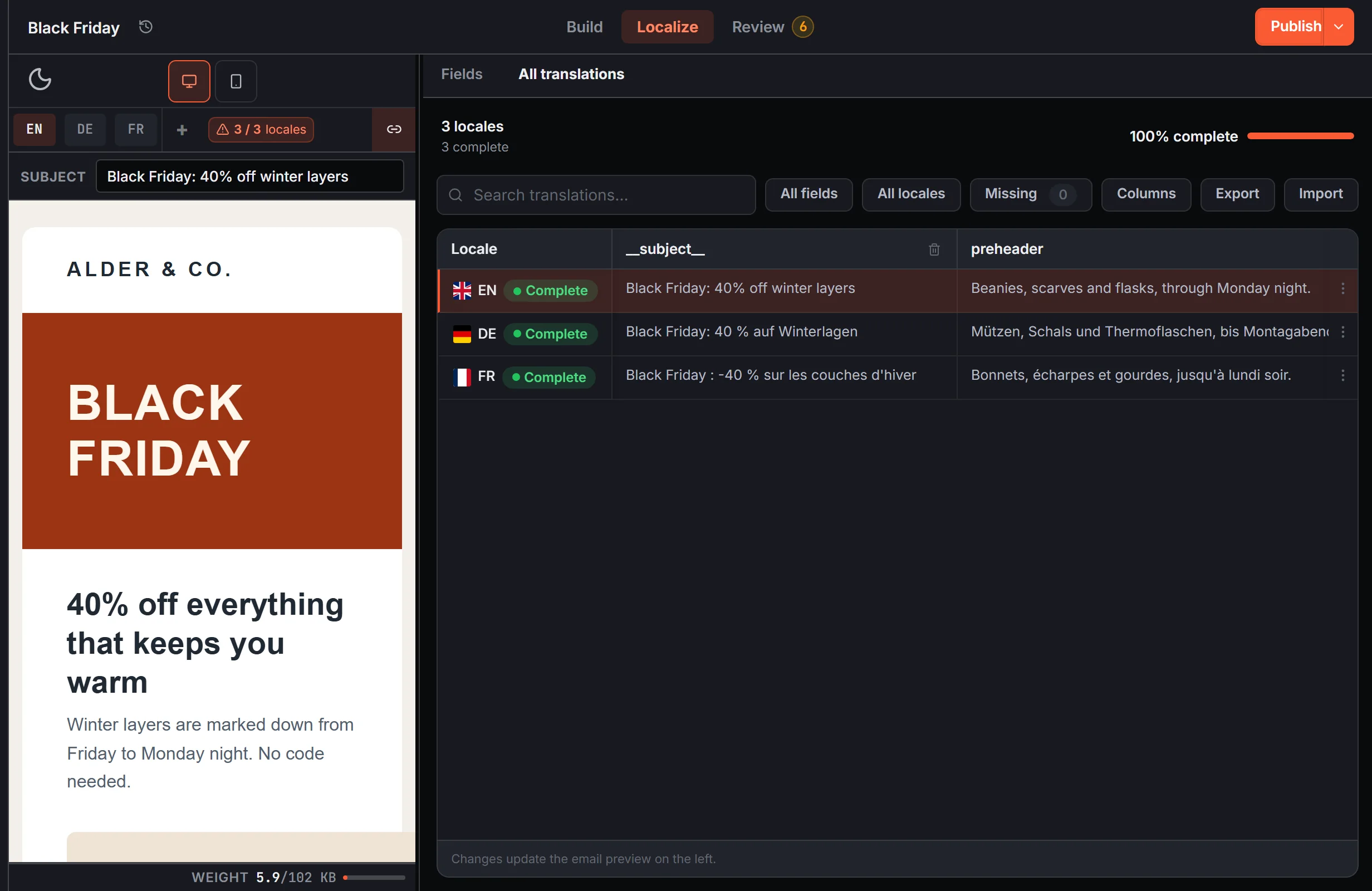
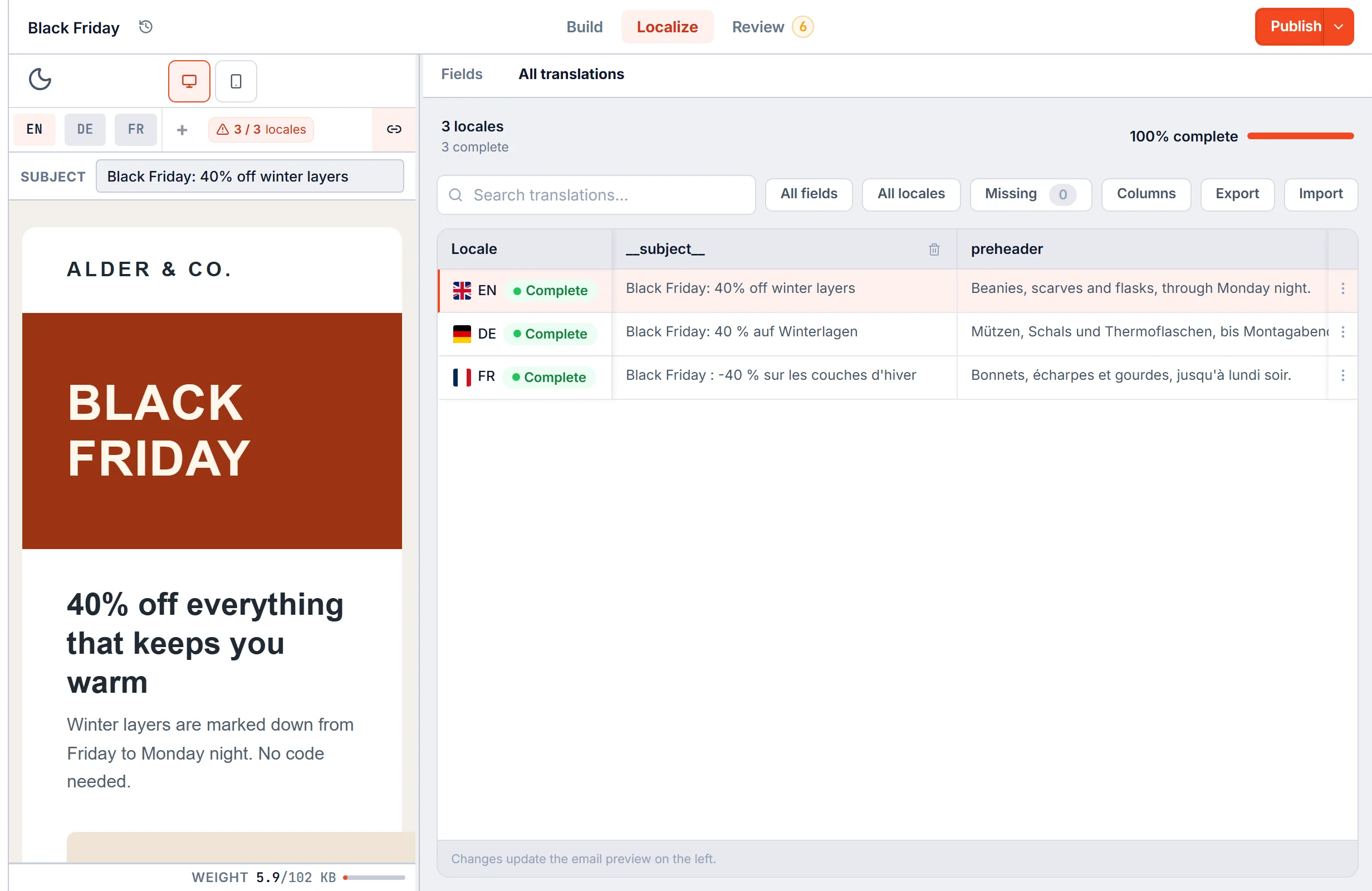
One HTML file, one ActiveCampaign template per language
The layout lives in one Shared HTML file. Copy, links, images and the subject change per language through {{locale.key}} tokens, edited in a grid or imported from Excel. That workflow has its own page: HTML email localization.
Compile turns each language into plain HTML. Publish then sends each one to ActiveCampaign as its own template. Fixing a link in the shared file fixes it in every language on the next push.
Each language arrives with its own subject
ActiveCampaign templates carry a subject. The push fills it from that language’s subject in EmailStitch, so the German template opens with the German subject.
Personalization tags such as %FIRSTNAME% and %UNSUBSCRIBELINK% pass through Compile untouched. ActiveCampaign fills them when the campaign sends.
Related
Questions
Which API URL do I enter?
The one from Settings, Developer in ActiveCampaign. It looks like https://youraccount.api-us1.com.
Does EmailStitch send through ActiveCampaign?
No. It pushes the templates. Contacts, automations and sending stay in ActiveCampaign.
What if I am not on ActiveCampaign yet?
Download ZIP gives you the compiled HTML for every language, with nothing EmailStitch-specific inside. Push to any of the six supported ESPs later.
Push your next ActiveCampaign template from one file
Create an account. Shared HTML, translations, QA, and ESP push in one workspace.
Start Building Free