Comparison
EmailStitch vs Dyspatch: the same production workflow, different team sizes and prices.
Dyspatch and EmailStitch solve the same problem: one place to build emails from modules, translate them, get them approved and send them to the ESP. Dyspatch is built for larger teams and sells localization on its top plans. EmailStitch includes language versions and per-language QA on every plan, starting free.
Get startedWhy teams choose EmailStitch over Dyspatch
- 01
Languages on every plan, including Free
Every template can hold language versions from the free plan up: three per template on Free, twenty on Starter, unlimited on Team. Dyspatch lists localization only on Teams+, priced by quote.
- 02
QA on every language version
Review checks each language separately for dead links, a missing unsubscribe tag, unresolved merge tags, empty translations and text in the wrong language.
- 03
A fraction of the price
EmailStitch starts free and the Team plan is $49 per month. Dyspatch starts at $149 per month and Teams is $499.
- 04
Start today, no demo call
Sign up and build your first template in minutes. Plans are self-serve and you upgrade from Settings.
- EmailStitch price
- Free plan, then from $19 per month. Languages and QA on every plan.
- Dyspatch price
- From $149 per month. Localization only on Teams+, priced by quote.
EmailStitch vs Dyspatch: feature comparison
| Feature | EmailStitch | Dyspatch |
|---|---|---|
| Drag-and-drop builder with reusable modules | ✓ | ✓ |
| Code editor | ✓ | ✓ |
| Brand colors and fonts as reusable tokens | ✓ | ✓ |
| Comments on the preview | ✓ | ✓ |
| Approvals | ✓ | ✓ |
| Version history | ✓ | ✓ |
| Language versions on the entry plan | ✓ | ✕ |
| Translation grid with Excel/CSV import and export | ✓ | ± |
| Automatic QA on every language version | ✓ | ✕ |
| Push to Klaviyo and HubSpot | ✓ | ✓ |
| Free plan | ✓ | ✕ |
✓ supported · ✕ not supported · ± partial · — not applicable
Dyspatch details checked on their public website on October 11, 2026. ✕ in the Dyspatch column means we did not find the feature there.
Languages on every plan
Dyspatch lists translation through Smartling and localizations on its Teams+ plan, which is priced by quote. Its documentation also describes managing localizations through the API or POT/PO files.
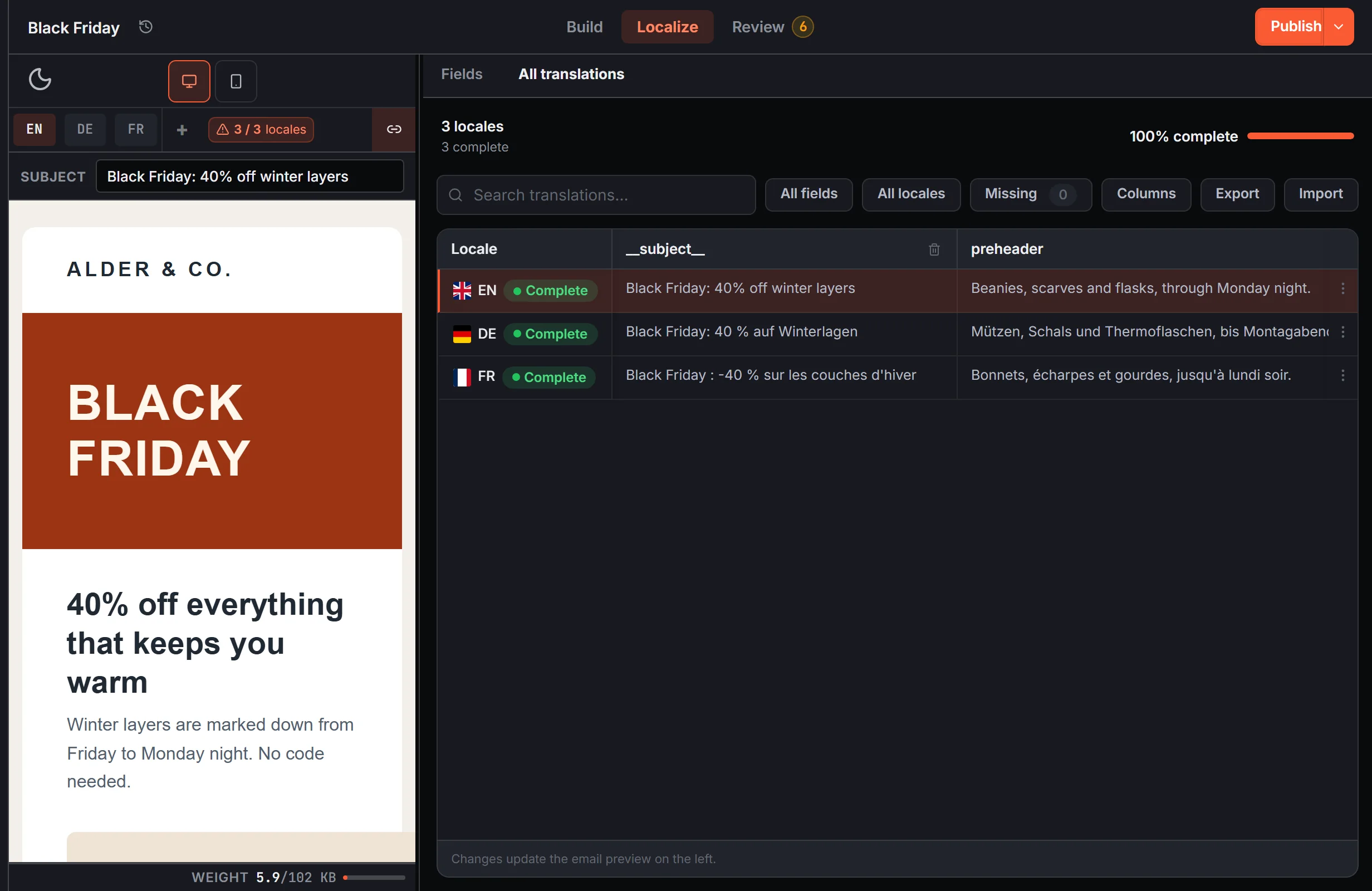
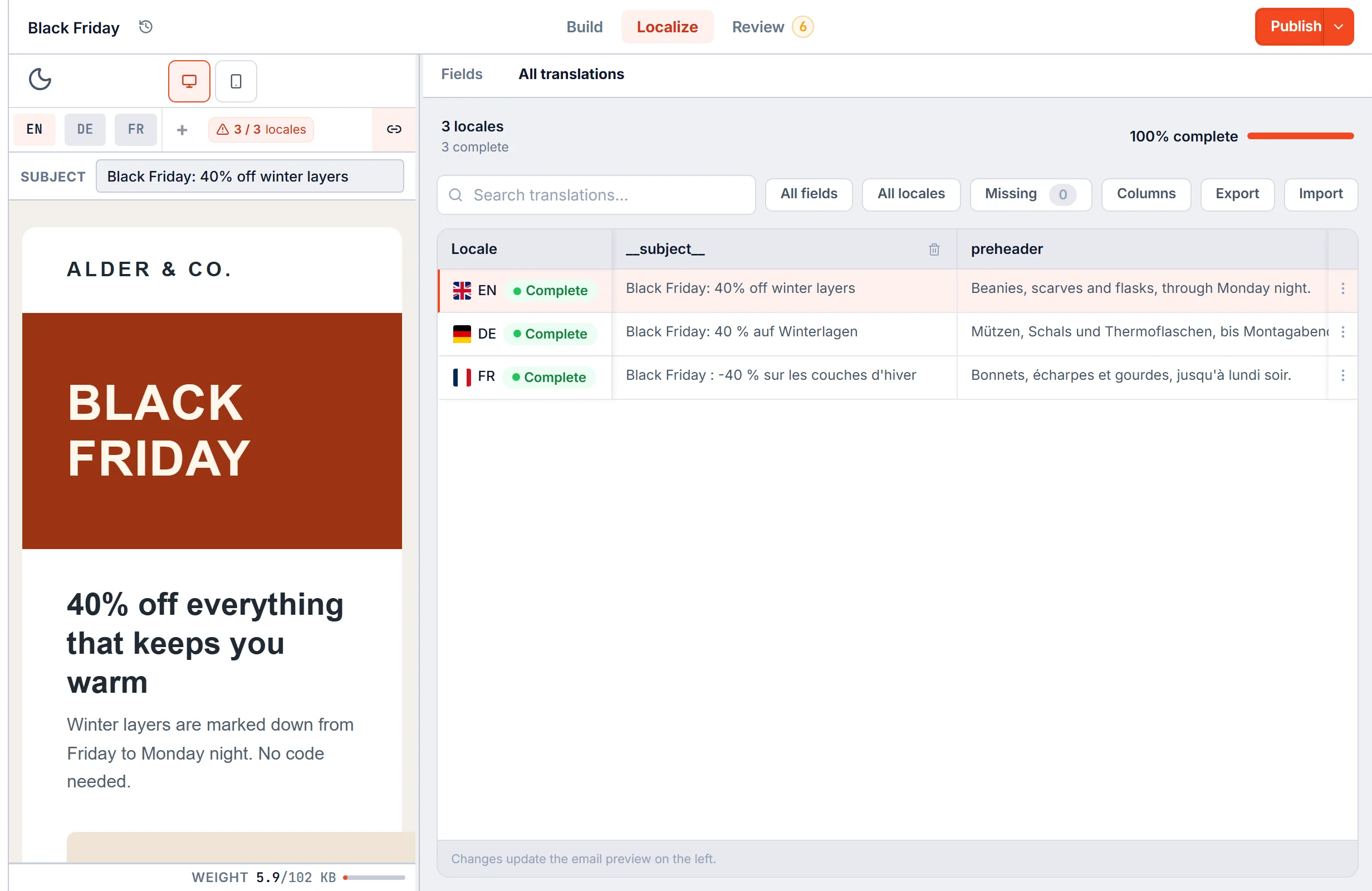
In EmailStitch every template can have language versions from the free plan up. Translations live in a grid, one row per language, with a subject line per language and Excel or CSV import and export. When you compile, links are rewritten per language and each version comes out as finished HTML.
QA after translation
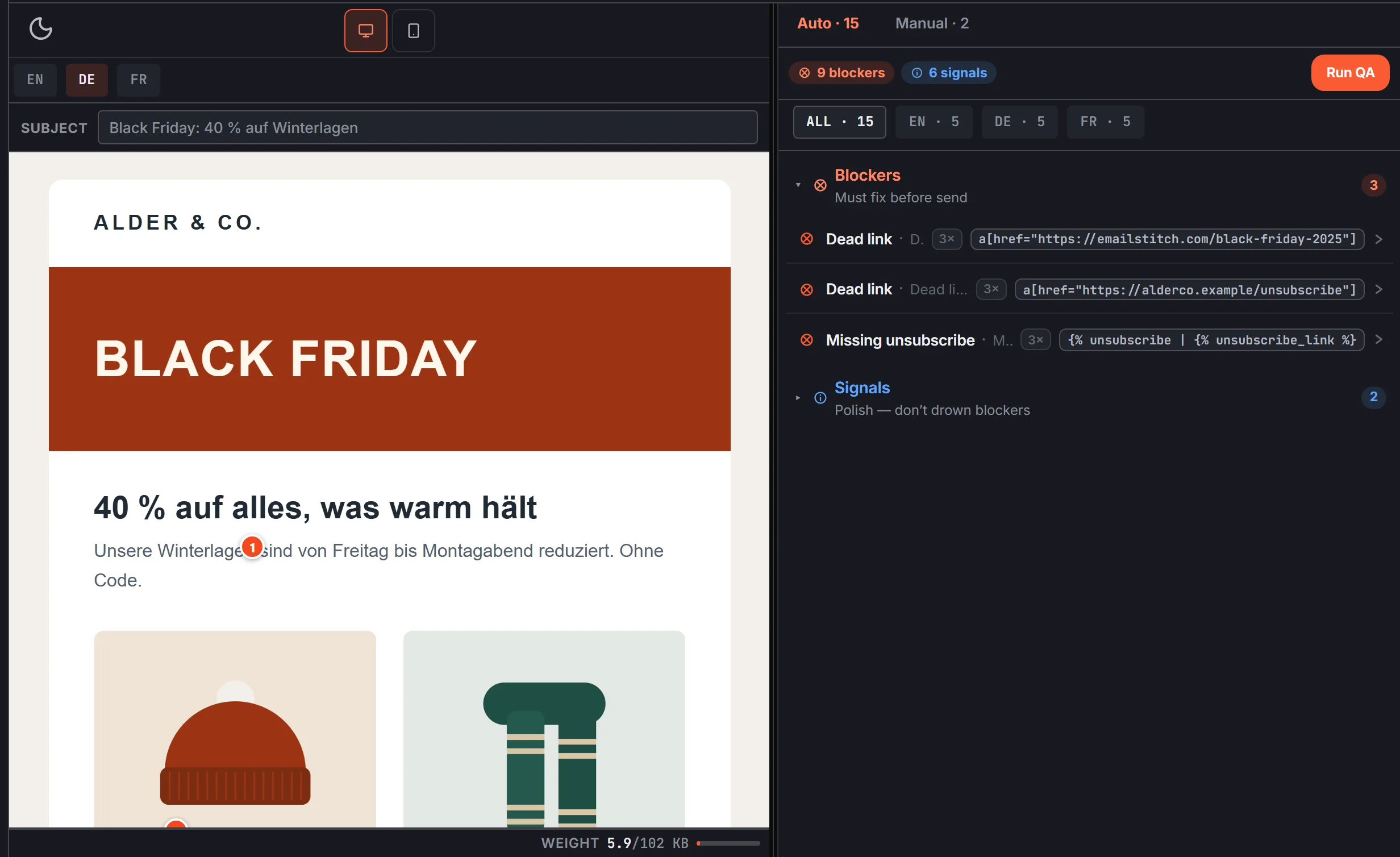
A translated email can break in ways the original does not: a CTA left empty, a link dropped in one language, a French version that still contains English text, a subject line that never got translated.
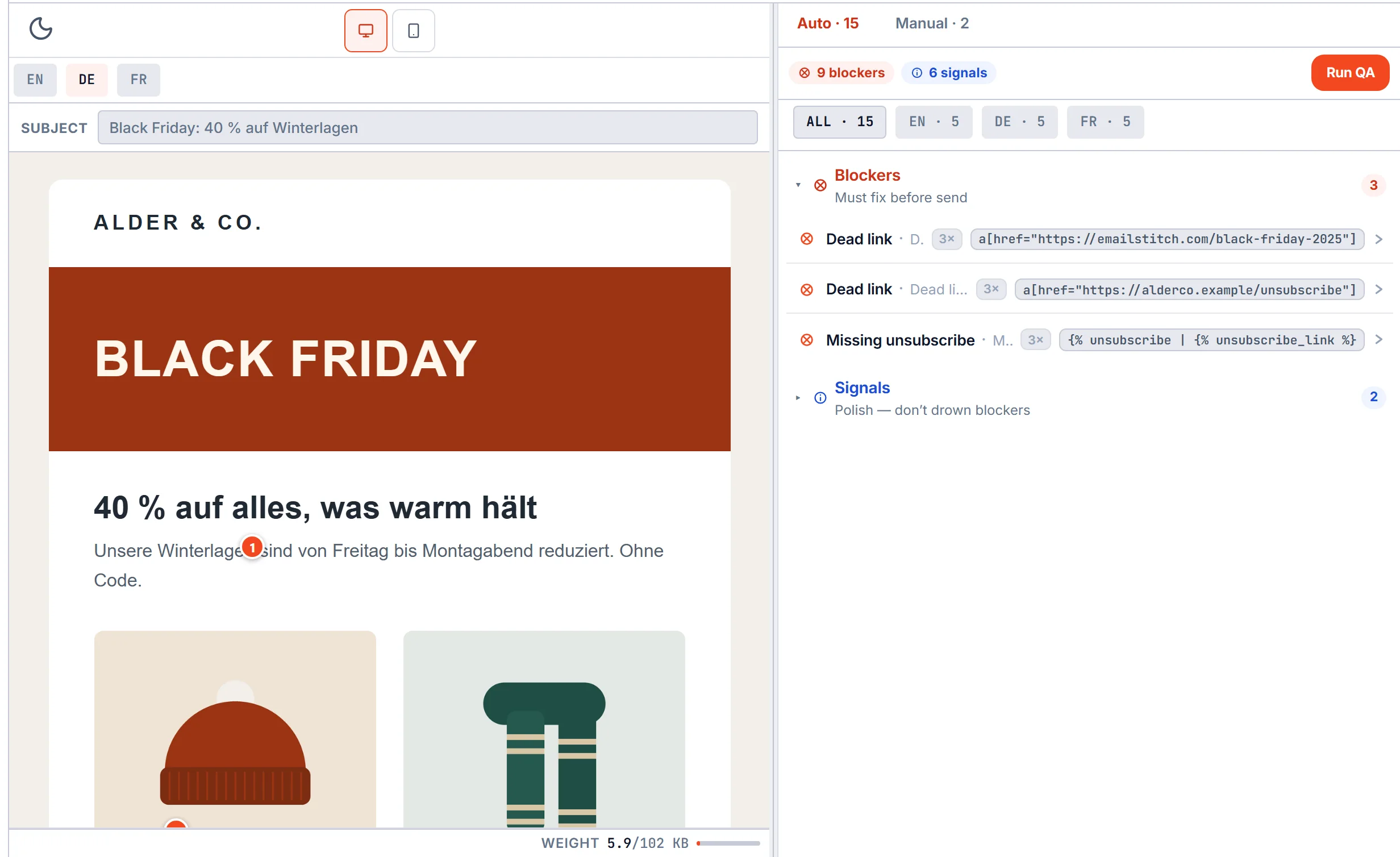
Review in EmailStitch runs on each language separately and compares its structure with the first one. Problems are grouped from Blockers, which must be fixed before send, down to Signals. Dyspatch offers Litmus testing for client previews; we did not find a per-language automatic check on its site.
Approvals: who signed what
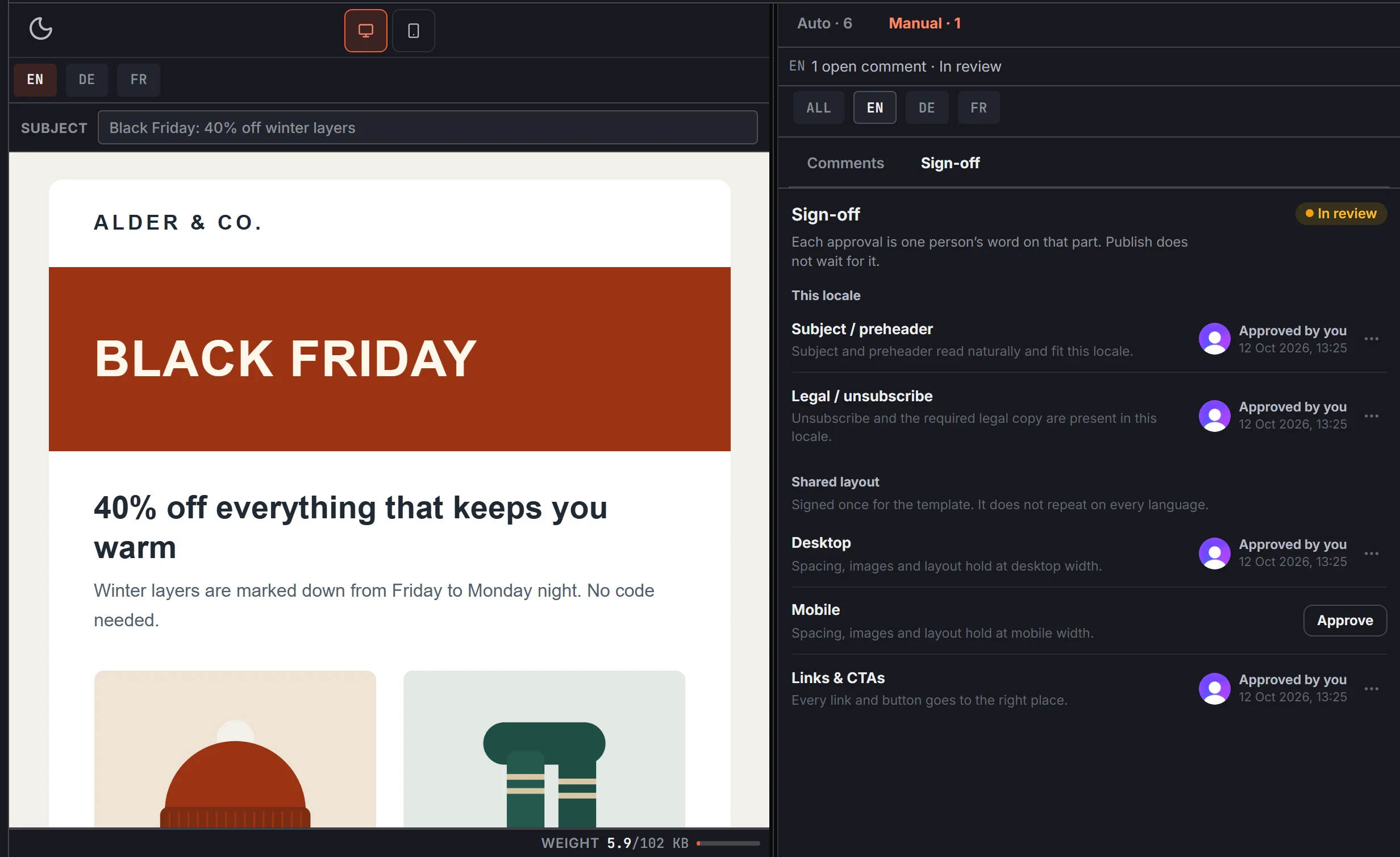
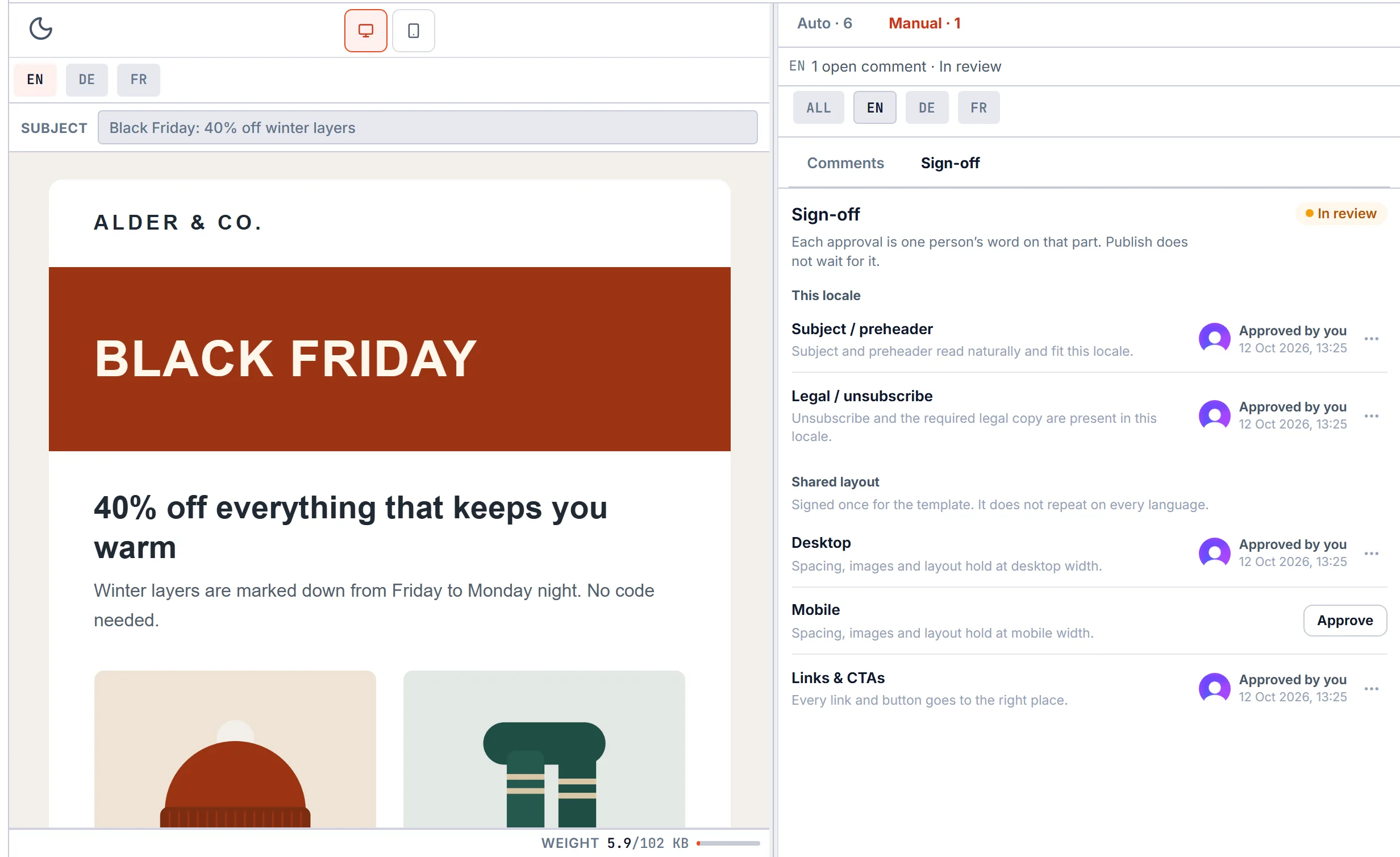
Both tools let reviewers comment on the preview and approve the email. In EmailStitch sign-off has five fixed checks: subject and preheader, plus legal and unsubscribe for each language, then desktop, mobile and links once for the shared layout. Each approval shows the person and the time, and goes stale when the content changes after it.
Sign-off is information for the team. It does not block Publish, so an urgent fix can still go out.
EmailStitch vs Dyspatch: FAQ
Is EmailStitch a Dyspatch alternative?
Yes. EmailStitch covers the same workflow, with modules, approvals, version history and language versions, and adds automatic QA on every language. Languages are included from the free plan, where Dyspatch keeps them on Teams+.
How much does Dyspatch cost?
As of October 2026: Starter $149 per month, Teams $499 per month, and Teams+ by quote. EmailStitch is free to start, then $19, $49 or $149 per month.
Does Dyspatch support multiple languages?
Yes, on Teams+, Enterprise and custom accounts, with a Smartling integration and API or POT/PO files. EmailStitch includes language versions on every plan; it does not translate the text for you.
Can I import my Dyspatch emails into EmailStitch?
Dyspatch exports HTML. In EmailStitch you can paste that HTML into a new code template and add translation keys where the text changes per language.
Modules, languages and QA, from the free plan up.
Build, Localize, Review and Publish in one workspace. Free plan, no credit card.
Get started