6 Best Tools for Multilingual Email Campaigns in 2026
The best tools to send one email in several languages: EmailStitch, Transendly, Dyspatch, Knak, Stripo and Beefree, compared by translation, checks per language, ESPs and price.
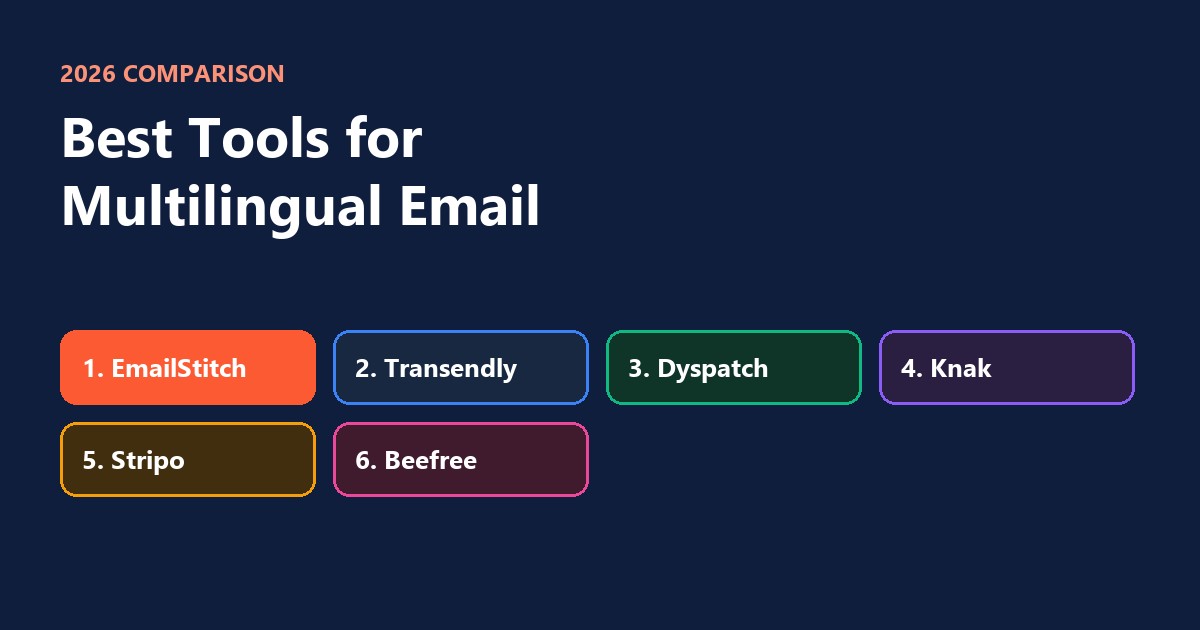
The best tools for multilingual email campaigns in 2026 are EmailStitch, Transendly, Dyspatch, Knak, Stripo and Beefree. They all let one email exist in several languages without copying the whole design for each market. They differ in who does the translating (your translators, Google or AI), whether each language is checked before sending, and which ESPs they send to. Prices below were checked in October 2026.
The short version
| Tool | How translation works | Check of each language | Free plan | Paid from |
|---|---|---|---|---|
| EmailStitch | Your translators, in a table or Excel | Yes, automatic | Yes | $19 a month |
| Transendly | Your translators, per language, with approvals | No | No | €149 a month |
| Dyspatch | Through a translation service, on higher plans | No | No | $149 a month, languages by quote |
| Knak | AI translation | No | No | Quote only |
| Stripo | Google Translate in the editor, capped | No | Yes | $20 a month |
| Beefree | Several languages in one design | No | Yes | $30 a month |
The usual way, and why it breaks
Most teams start by copying the English email once per language in their ESP and pasting in the translations. It works for two languages. By five, it falls apart:
- A design change has to be made in every copy, and one always gets missed.
- A link is updated in English but not in German.
- A button in the French version is still in English.
- Nobody notices until a customer replies.
The tools below keep one design and swap only the words, so a change lands in every language at once.
1. EmailStitch
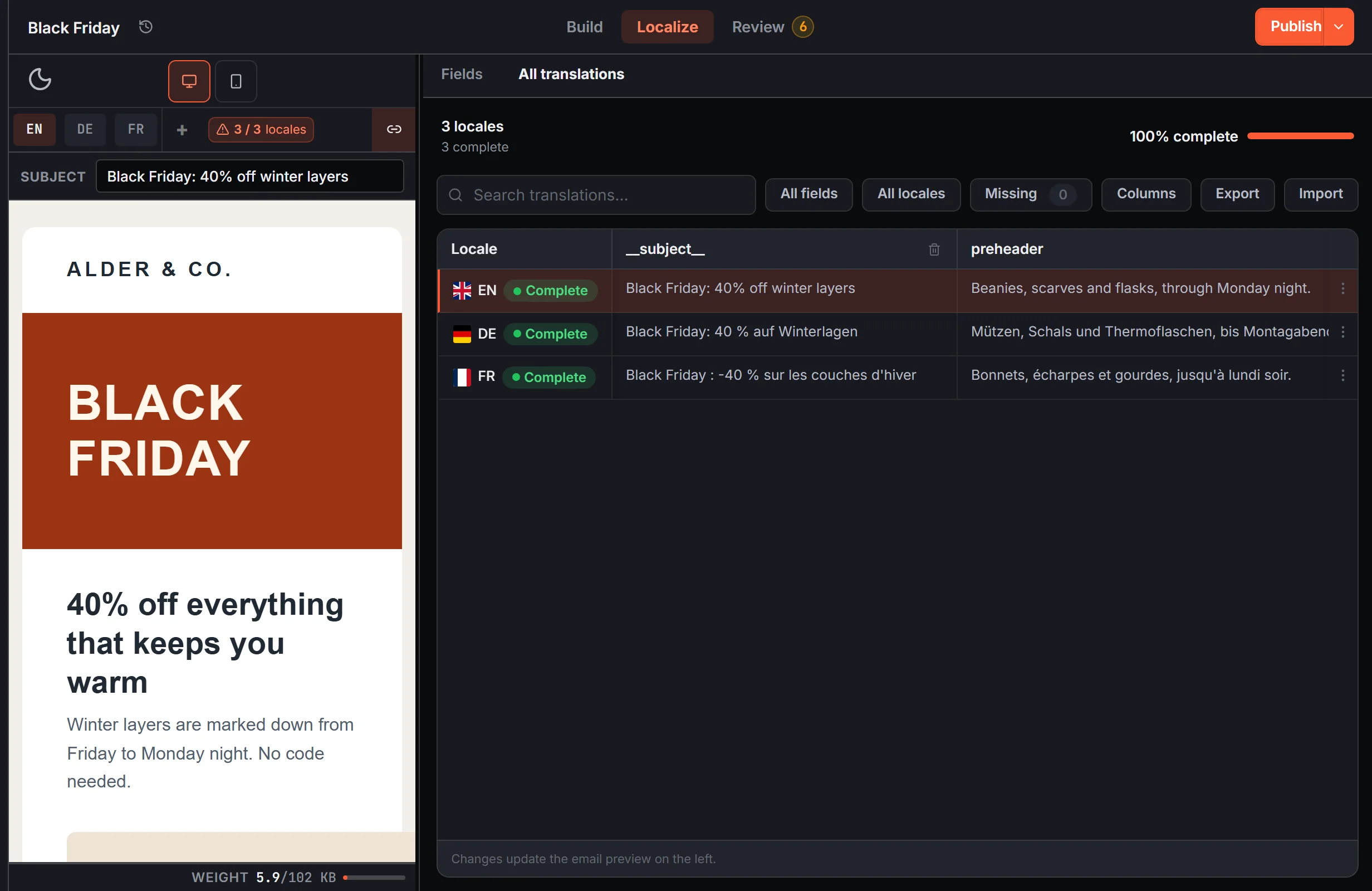
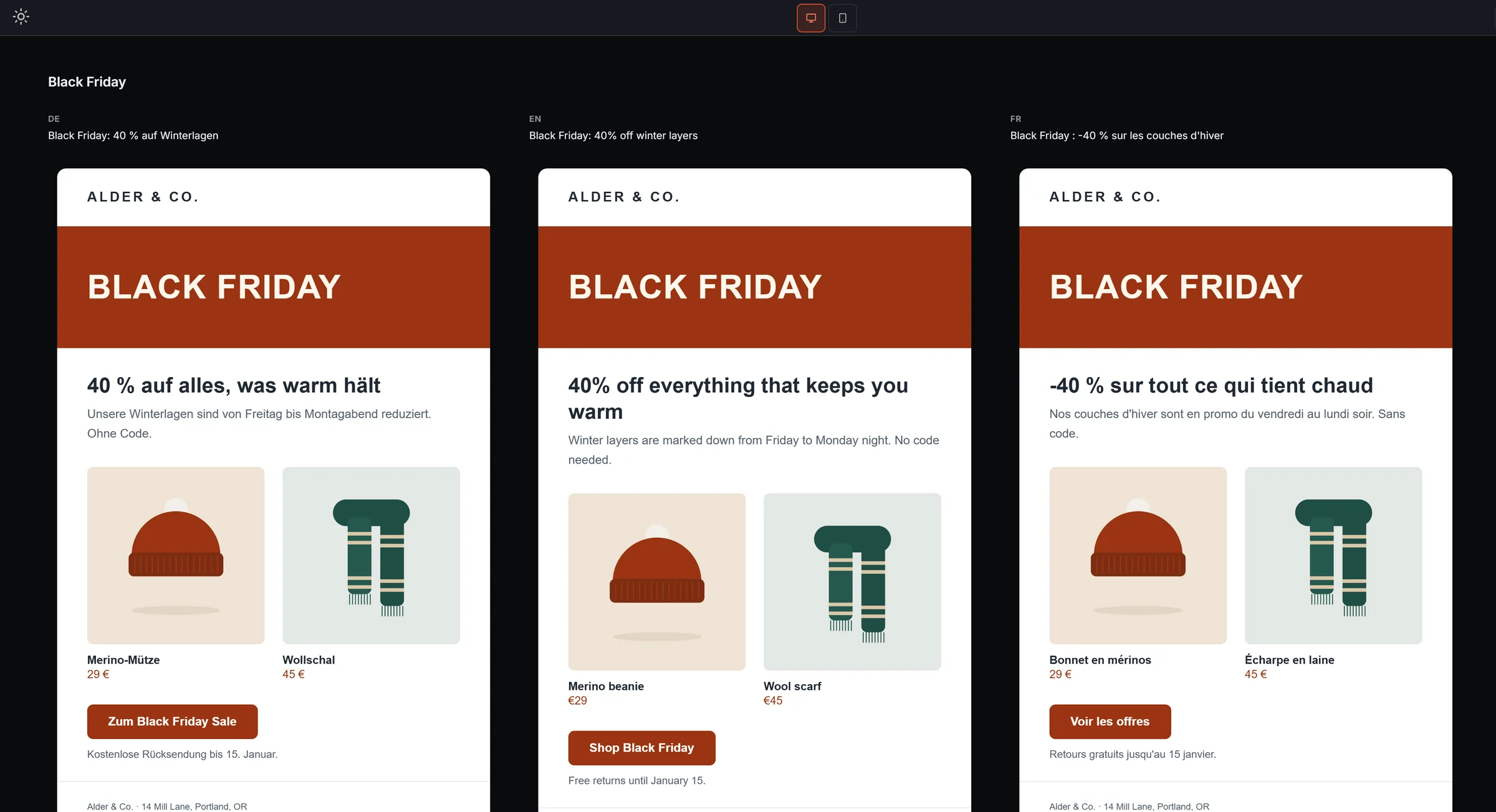
EmailStitch keeps every language of an email in one table, one row per language, each with its own subject line and preview text. Translators work in Excel or CSV and you import the file back. Before anything is sent, Review checks each language on its own.
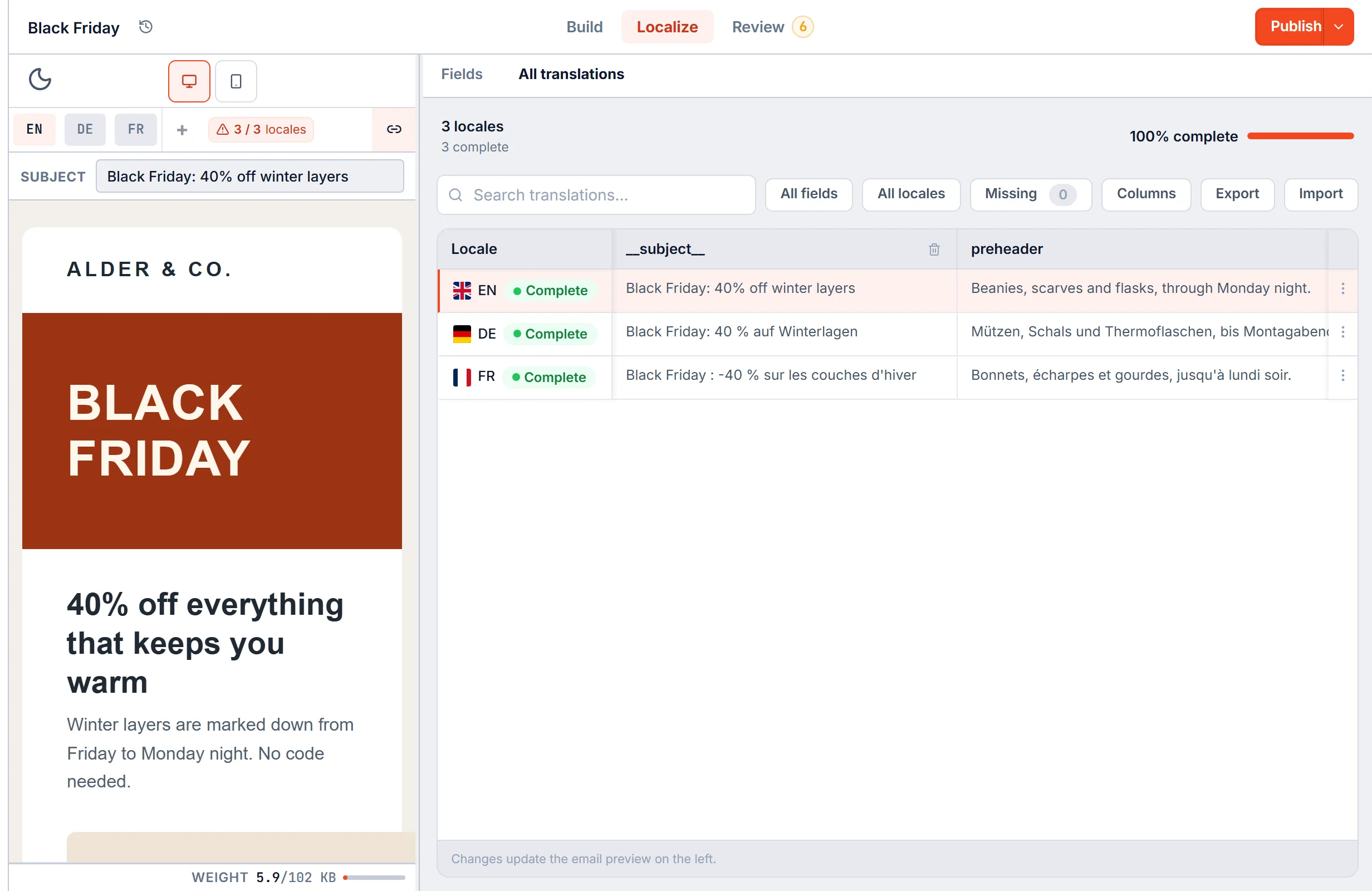
- What it catches per language: empty translations, text left in the wrong language, a link missing in one version, a missing unsubscribe link, and a version long enough for Gmail to cut off.
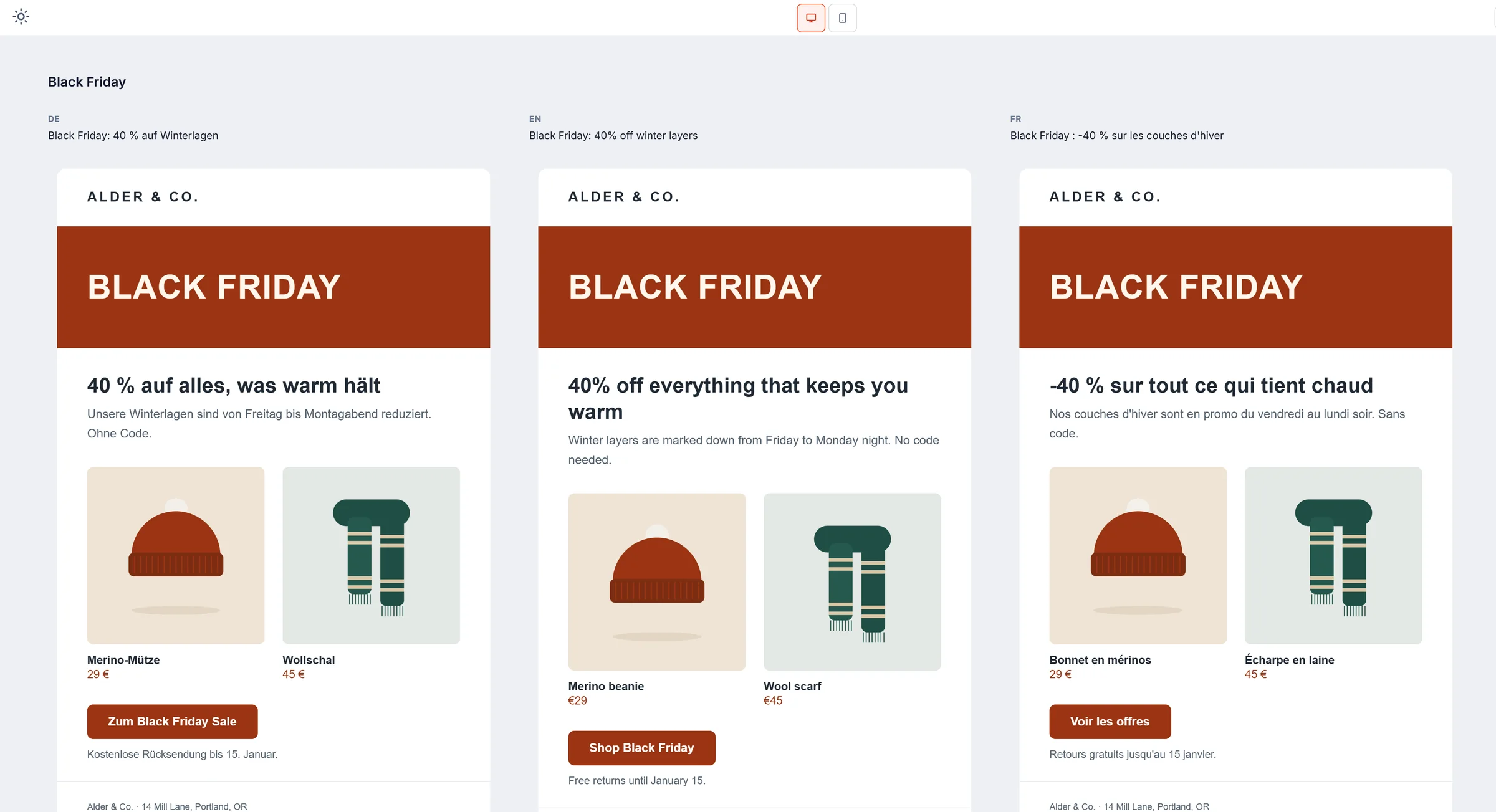
- Review with people: a share link shows every language side by side, so a reviewer in each country can comment without an account.
- Sending: pushes every language to Mailchimp, Klaviyo, Brevo, HubSpot, ActiveCampaign or Omnisend as its own template.
- Price: free plan with 3 languages per email, $19 a month for 20, unlimited from $49 a month.
2. Transendly
Transendly starts from an email that’s already designed. Translators work on each language with approvals, and the result is exported.
- Best for: teams whose emails are designed elsewhere and only need translating.
- Price: from €149 a month, limited by the number of exports.
- Keep in mind: you build the email in another tool first, and there’s no automatic check of each language.
3. Dyspatch
Dyspatch is an email production platform with reusable sections, approvals and version history. Translation runs through a translation service, on its Teams+ plan.
- Best for: larger teams that already use a professional translation service.
- Price: from $149 a month. Languages are on the higher plans, priced by quote.
- Keep in mind: languages aren’t on the entry plan, and there’s no free plan.
4. Knak
Knak is an enterprise email builder with AI translation, for teams on Marketo, Salesforce, Eloqua, Braze and HubSpot.
- Best for: large companies on those platforms that are happy with AI translation.
- Price: by quote only.
- Keep in mind: it doesn’t send to Mailchimp, Klaviyo, Brevo, ActiveCampaign or Omnisend.
5. Stripo
Stripo can keep several languages in one email and translate with Google inside the editor, then export every language in one click.
- Best for: small teams that are fine with machine translation.
- Price: free plan, paid from $20 a month. Google translations are capped at 2,000 per person each month.
- Keep in mind: no automatic check of each language before sending.
6. Beefree
Beefree, now part of RGE Studio, can hold several languages in one design in its drag-and-drop editor.
- Best for: designers who want languages inside a simple editor.
- Price: free plan, Professional $30 and Business $160 a month.
- Keep in mind: no automatic check of each language, and extra users cost more.
What to check in any multilingual email
Whatever tool you use, these are the mistakes that show up only in translated versions:
- Empty or untranslated text. A button that says “Shop now” in the Polish email.
- Links per language. The German email should send people to the German shop.
- Longer words. German and French run longer than English, so buttons and headlines can wrap or get cut.
- Subject and preview text. Translate both, and check how much a phone shows.
- The unsubscribe link and the legal footer in every version.
More on the inbox line in the preheader guide, and on the full set of checks in the Black Friday email checklist.
Which one to pick
- You have translators and send through Mailchimp, Klaviyo, Brevo, HubSpot, ActiveCampaign or Omnisend: EmailStitch.
- Your emails are already designed and only need translating: Transendly.
- You’re a large team with a translation service: Dyspatch.
- You’re on Marketo or Salesforce: Knak.
- Machine translation is good enough: Stripo.
If you send the same campaign in several languages, you can try EmailStitch free with three languages on the free plan. Direct comparisons: EmailStitch vs Transendly and EmailStitch vs Dyspatch.